Dashboard Updates

New Requirements for Text Messaging on U.S. Phone Numbers

by Chelsea Batschke
Announcements
Messaging

Starting December 15, 2025, any new U.S. local phone numbers will not have messaging capabilities enabled by default. This change helps us combat spam and phishing while continuing to build trust with our carrier network.

Will This Affect You?

If you already have U.S. local numbers with messaging, you're all set—nothing changes for you.

New U.S. local numbers purchased after December 15, 2025 will require activation before you can send or receive text messages.

If you plan to purchase new U.S. numbers after December 15th for texting, here's what to expect:

  • Sending texts to customers? Messaging will activate automatically once you register your campaign with The Campaign Registry (a quick process we can help you with).

Only receiving texts? Reach out to our Carrier Operations team, and we'll enable messaging capabilities for you—no campaign registration required.

Need help? Contact us at [email protected].

Did you like this update?

LikeNeutralDislike

{error_message}

Leave your name and email so that we can reply to you (both fields are optional):

Thanks for your feedback!

Important Changes Coming to Toll-Free Number Registrations 💬

by Chelsea Batschke
Messaging
Announcements

Starting January 1, 2026, three new fields will be required when submitting toll-free verifications:

  1. Business Registration Number (BRN) - Your company's EIN or other government-issued identifier

  2. Issuing Country of Business Registration - Where your business is legally registered

  3. Entity Type - Your business classification (Public Profit, Private Profit, Non-Profit, Government, or Sole Proprietor)

Will This Affect You?

Already verified numbers are not affected, and no action is needed.

Now through Dec. 31st, 2025 the listed fields above are optional, however we recommend including them in any newly submitted toll-free verifications.

Starting Jan. 1st, 2026, these fields will be mandatory for all new toll-free verifications.

These requirements are part of industry-wide efforts to reduce spam and phishing, improve message deliverability, and build carrier network trust by ensuring businesses are properly verified and compliant. If you have any questions, please submit a support ticket to connect with our team.

Still Need Help? Contact our team at[email protected].

Did you like this update?

LikeNeutralDislike

{error_message}

Leave your name and email so that we can reply to you (both fields are optional):

Thanks for your feedback!

9/12/2025 Releases: [Highlight]

by Chelsea Batschke
Release Notes

Explore this weeks updates and releases! 🔎

A UI/UX Refresh Boost!
A subtle change can make a world of difference! Cleaner menu alignment, box styling, and improved responsiveness when browser resizing make for less UI noise, and more focus on your builds.

Amazon Polly Voices are Here!
You can now spin up
Amazon Polly voices and models right inside the AI dashboard. More lifelike TTS options = better AI Agent interactions out of the box.

Enhanced Payment Failure Errors
Instead of the old generic decline messages, you’ll now see details like
“The CVC number is incorrect” or “The card has expired.” No more guesswork, just clear, concise details.

View All Release Notes

Did you like this update?

LikeNeutralDislike

{error_message}

Leave your name and email so that we can reply to you (both fields are optional):

Thanks for your feedback!

8/29/2025 Releases: [Highlight]

by Chelsea Batschke
Release Notes

Explore this weeks updates and releases! 🔎

Zero Balance Reminder

To make account management smoother, we’ve introduced a new “Add Funds” banner.

  • This banner will now automatically appear in your space when you have a $0.00 balance.

  • A direct button within the banner takes you straight to the top-up page, creating a more intuitive and user-friendly flow.

Opus Codec Variants are Now Available

We’ve expanded support for the OPUS codec with new variant options in the codec pages.

  • For existing customer spaces, OPUS will not be the default selection, but you can now choose from the newly available variants directly in the UI.

  • For newly created customer spaces, OPUS variants are automatically selected by default, ensuring the best audio experience from the start.

    To see if you have OPUS selected, go to My Resources < SIP < open a SIP Resource < Scroll to the section "Codecs and Ciphers"< Select "Custom Codecs"

Did you like this update?

LikeNeutralDislike

{error_message}

Leave your name and email so that we can reply to you (both fields are optional):

Thanks for your feedback!

8/15/2025 Releases: [Highlight]

by Chelsea Batschke
Release Notes

Explore this weeks updates and releases! 🔎

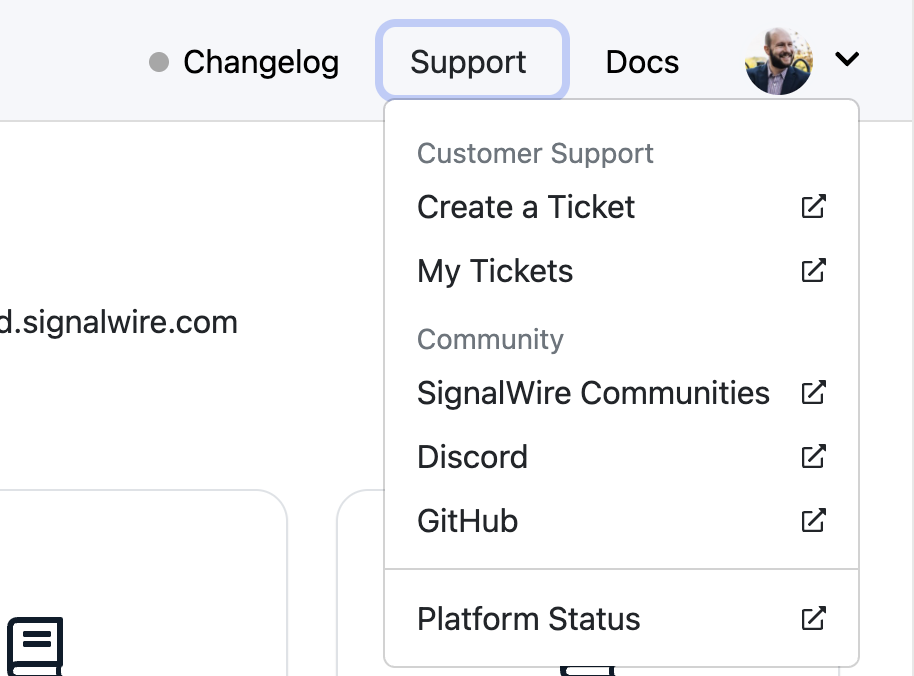
Community, Docs, and Support — One Click Away!

Click the expand caret (to the right side of the screen) to unlock quick access to our Discord community, developer documentation, and support portal — including ticket submission and tracking.
Always available from anywhere in your SignalWire Space.

Updated Logs UI

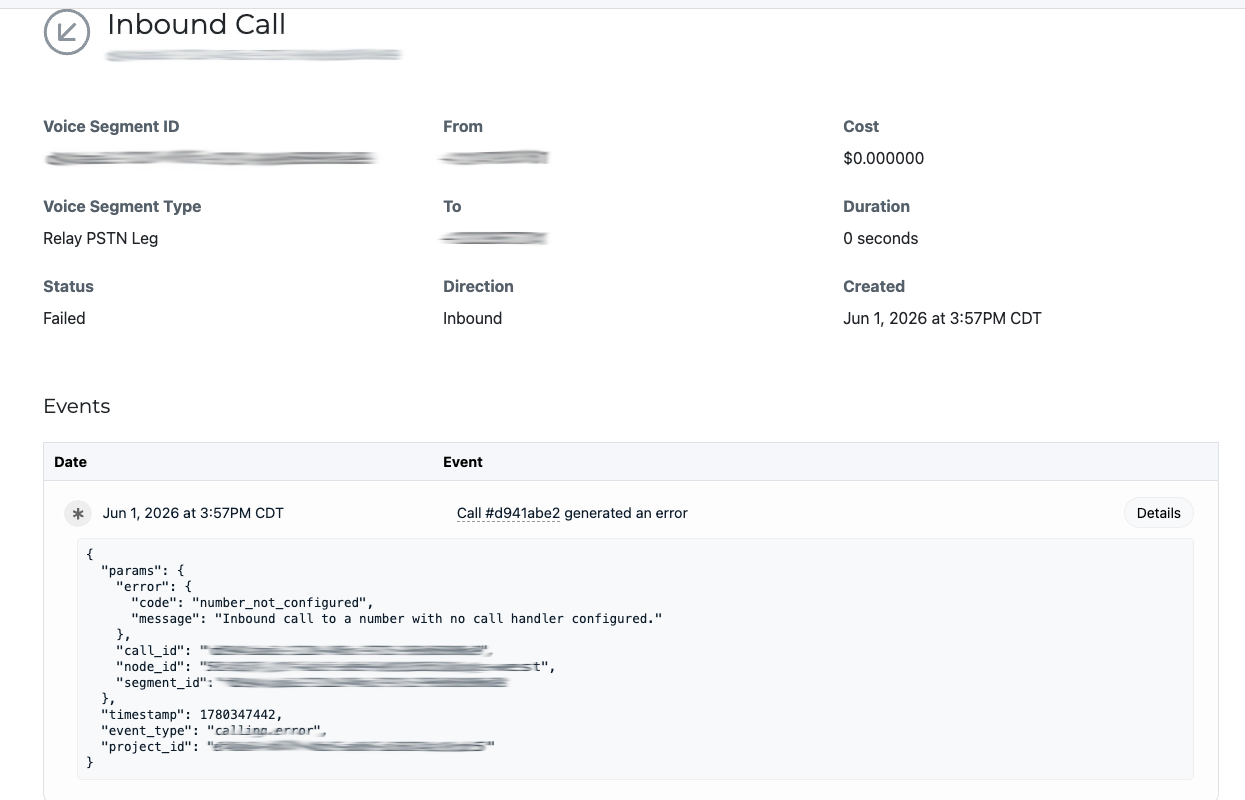
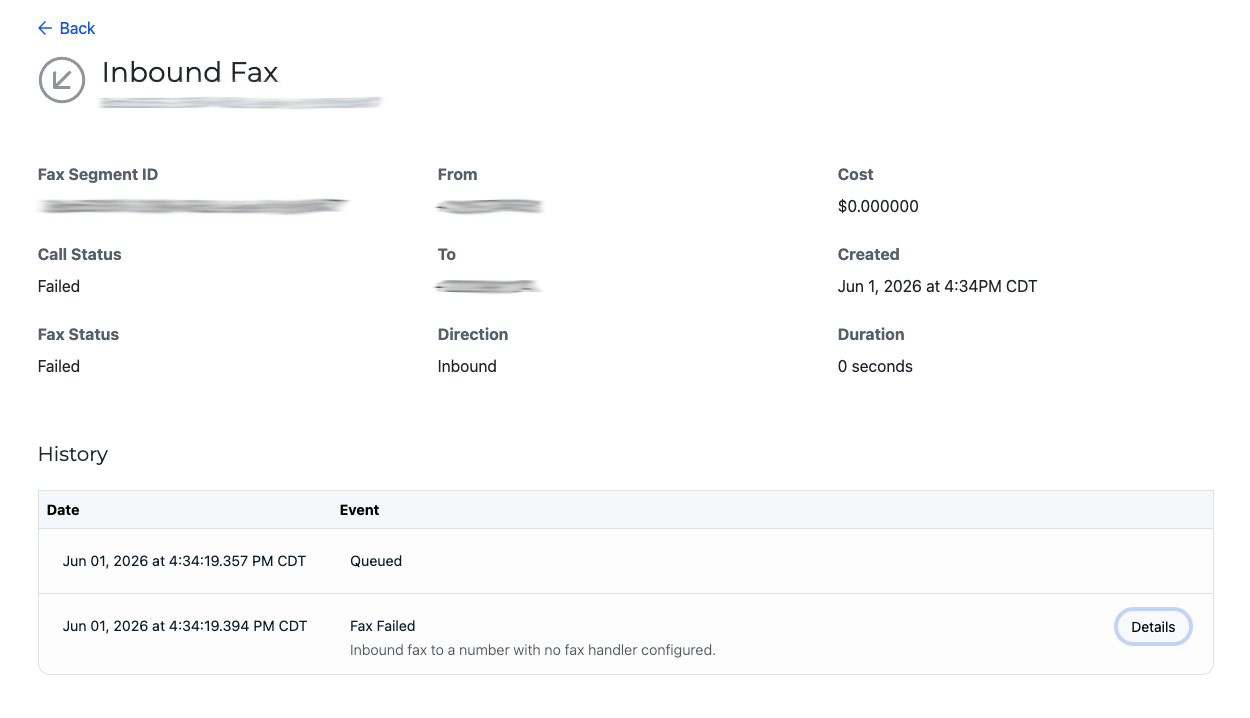
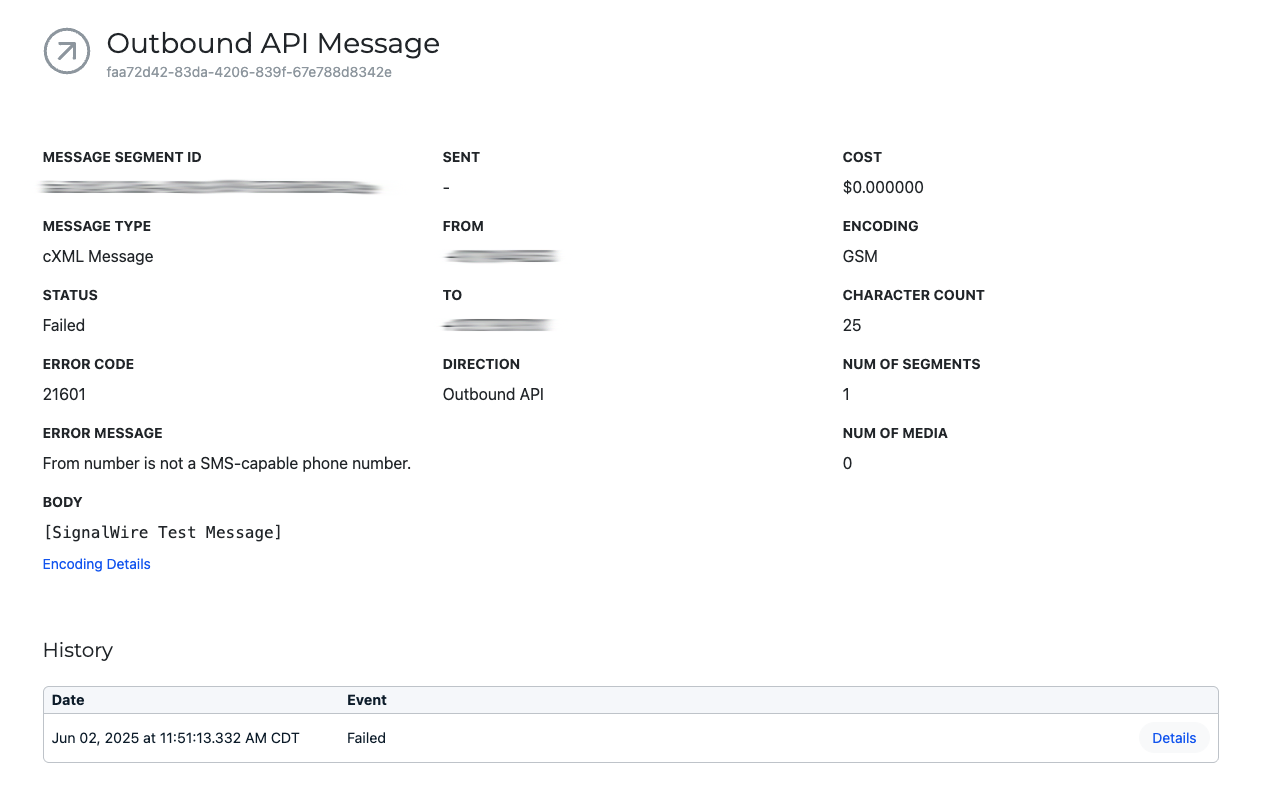
We've improved how IDs are displayed—Call ID, Message ID, and others are now clearly labeled by type. Easier debugging, faster API work, and smoother support.

Developer Documentation

Did you like this update?

LikeNeutralDislike

{error_message}

Leave your name and email so that we can reply to you (both fields are optional):

Thanks for your feedback!

7/25/2025 Releases: [Highlight]

by Chelsea Batschke
Release Notes

Explore this weeks updates and releases! 🔎

🔹Settings Now Project Based

Last release, we updated Project-Level Settings to give you greater control over configuration for each of your individual projects. With this release, we’ve fully migrated all existing company-wide media protection settings to project-level.

What does this mean for you?
Absolutely no change to how your settings behave — we’ve carefully migrated everything to ensure a seamless transition. However,
any changes going forward will need to be made per project. This gives you the flexibility to tailor settings as needed for each use case or environment.

Learn more about Media URL Protection

🔐 Reminder of what you can manage at the project level:

  • Protect media URLs for fax, recordings, and messaging.

  • Enforce HTTPS for enhanced security.

View Past Release Notes

Did you like this update?

LikeNeutralDislike

{error_message}

Leave your name and email so that we can reply to you (both fields are optional):

Thanks for your feedback!

7/11/2025 Releases: [Highlight]

by Chelsea Batschke
Release Notes

Explore this weeks updates and releases! 🔎

🔹Configure URLs to receive Status Updates

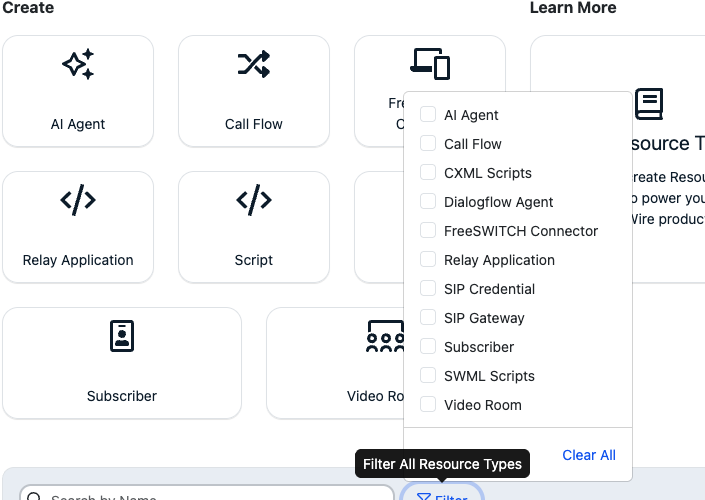
Configure real-time monitoring, logging, or integration workflows directly from the SignalWire Dashboard without needing to edit raw code. This latest update added a “Set/Update Status Callbacks” for CXML Scripts and SWML Scripts.

Learn More About Status Callbacks

Did you like this update?

LikeNeutralDislike

{error_message}

Leave your name and email so that we can reply to you (both fields are optional):

Thanks for your feedback!

6/27/2025 Releases: [Highlight]

by Chelsea Batschke
Release Notes

Explore this weeks updates and releases! 🔎

🔹Project Level Settings at Your Command!

Within each project you can now turn on or off the following settings, giving you more control when you have multiple projects running.

  • Protect media URLs for fax, recording, and messaging — when enabled, direct URLs must be authenticated to access.

  • Force HTTPS requests — for optional added security, prevent HTTP URLs from being saved for usage. When enabled, HTTP URLs will be converted automatically to HTTPS URLs.

🔹Don’t Let Guest Tokens Clutter Your Space.

Under the "Subscriber" sub-tab (within My Resources), guest tokens specific to temporary subscriber access will no longer be visible. These guest tokens will also not show within the API. Learn More about Guest Tokens

🔹Want to experiment with our APIs?

Download the collections, change the authentication variables to their own, and begin using our APIs right away with no downtime or setup time. The SignalWire Postman/Bruno API collections have been updated to include:

  • Fabric APIs

  • CXML Start/Update Stream

  • Datasphere Document/Chunk Endpoints

  • Relay Recording Endpoints

Check out the Github

View Past Release Notes

Did you like this update?

LikeNeutralDislike

{error_message}

Leave your name and email so that we can reply to you (both fields are optional):

Thanks for your feedback!

Newly Released: SignalWire Agents SDK for AI Voice

by Chelsea Batschke
Announcements

We’re excited to announce the release of the SignalWire Agents SDK—a Python-native toolkit that makes it faster and easier to build real-time AI voice agents with built-in support for SIP, PSTN, WebRTC, and messaging.No more piecing together APIs or handling telecom complexity. With the Agents SDK, you can:

  • Build AI agents using familiar Python tools

  • Run AI Agents as microservices, Lambdas, or CGI scripts—your choice

  • Add skills like search, knowledge lookups, or custom tool calls with one line of code

  • Deploy production-ready agents with ultra-low latency (~500ms globally)

  • Use tools built for Model Context Protocol (MCP), an emerging standard for defining AI tool interfaces, without rewriting them.

Whether starting from scratch or scaling a mature voice AI application, the Agents SDK lets you focus on building great conversations, not wiring up infrastructure. No SIP expertise required, just bring your Python skills.

Explore the SDK Documentation

Did you like this update?

LikeNeutralDislike

{error_message}

Leave your name and email so that we can reply to you (both fields are optional):

Thanks for your feedback!