Explore this weeks updates and releases! 🔎
Hold Music URL on SIP Endpoints
Physical SIP phones can now have a set hold music URL that will be played when hold is pressed on an outbound or inbound call to that SIP endpoint.
Subscribe to updatesPhysical SIP phones can now have a set hold music URL that will be played when hold is pressed on an outbound or inbound call to that SIP endpoint.
Did you like this update?
![]()
![]()
![]()
Leave your name and email so that we can reply to you (both fields are optional):
Voice AI demos are everywhere: perfect caller, perfect response, no surprises.
Production is different.
In real deployments, speech recognition mishears callers, APIs timeout, conversations drift, and latency starts breaking the experience. That gap between a working demo and a reliable voice system is where most projects fail.
Join Brian West (Head of Developer Experience) for a 30-minute SignalWire LIVEWire on the five engineering patterns that repeatedly break Voice AI in production—and what to build instead.
What you’ll learn
Prompt-Stuffed Architecture: why stuffing business logic into prompts backfires
Implicit State Machines: why flow needs an explicit state model
Ignoring the Voice Latency Budget: how silence kills UX and how to measure it
Tool Calls as an Attack Surface: why unconstrained tools create chaos
Zero Post-Call Observability: what telemetry you actually need beyond transcripts

Did you like this update?
![]()
![]()
![]()
Leave your name and email so that we can reply to you (both fields are optional):
The Conference Audience feature has been deprecated and removed as part of ongoing platform modernization efforts.
This change supports improvements to platform stability and enables new regional infrastructure.
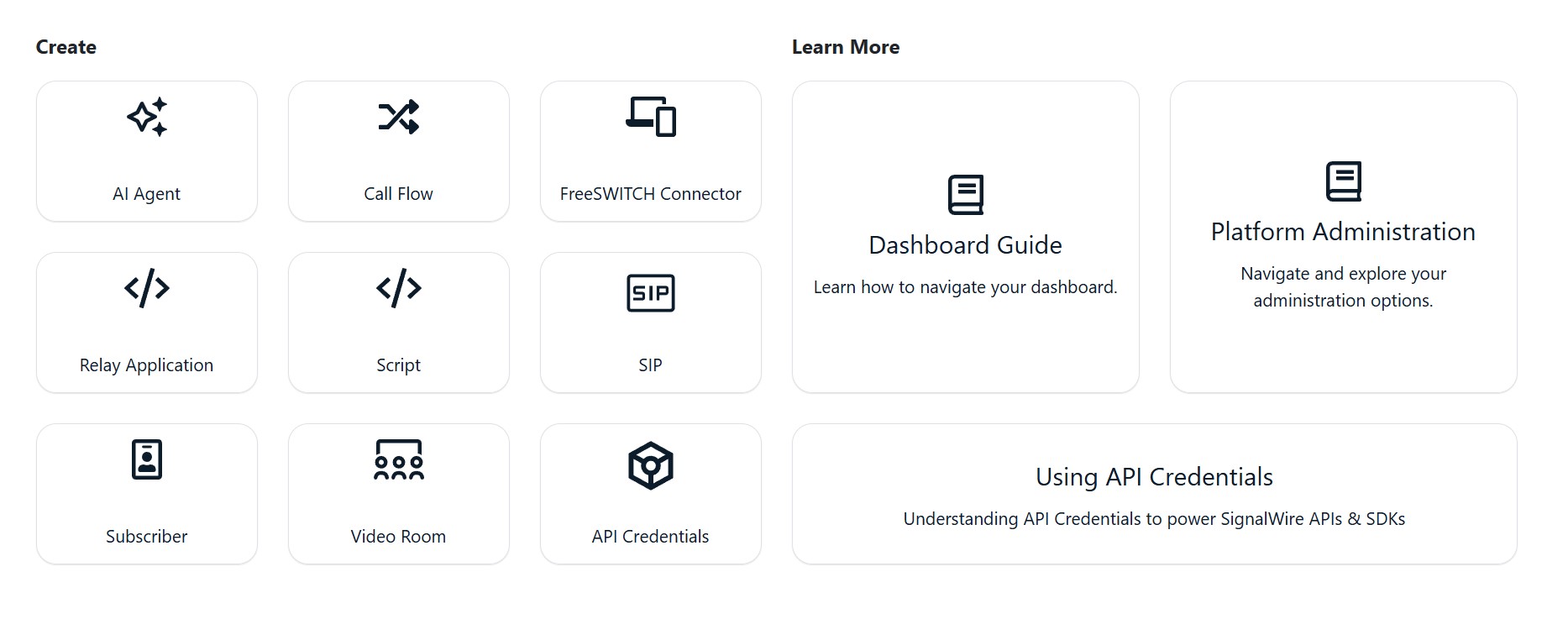
The Home Dashboard has a new look! To improve navigation, usability and access to resources the expandable info panel has been removed and you will now see a cleaner, text-based dashboard.
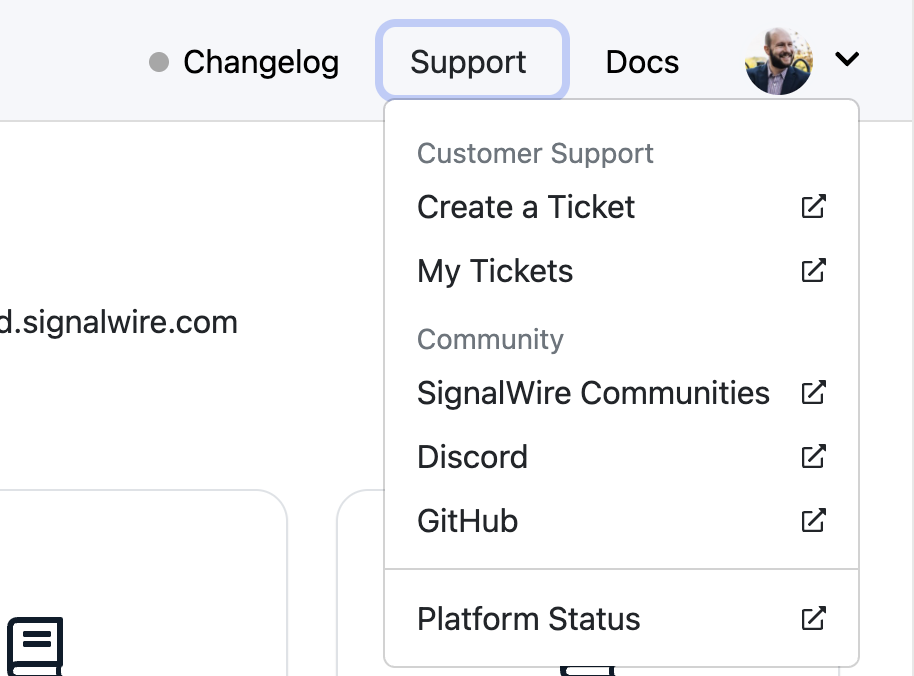
New dedicated links for Changelog, Support, Docs, and Community resources can be found in the top right menu, Including direct access to the Status page and Documentation links ( that now open in a new window for easier reference)


⚠️ Shutdown of Bahrain RTC POP
The Bahrain RTC POP will be retired on March 27, 2026.
Calls will automatically route to the next closest available node. No action needs to be taken at this time.
Any active calls on this node will continue until completion.
Did you like this update?
![]()
![]()
![]()
Leave your name and email so that we can reply to you (both fields are optional):
Introducing a new Voice Analytics Dashboard, giving you a high-level view of voice call health across your project.
This new dashboard makes it easier to identify potential issues, monitor performance trends, and understand overall voice health — all without needing to build custom observability workflows.
The Voice Analytics Dashboard is now available. Navigate to “Analytics” from the left hand menu → select the submenu “Voice”.

Once you have had time to use the new dashboard, we would love to hear your feedback! Take the Voice Analytics Dashboard Feedback Survey.
Did you like this update?
![]()
![]()
![]()
Leave your name and email so that we can reply to you (both fields are optional):
The code editor toolbar has been enhanced for easier script management.
You can now copy scripts directly from the toolbar, and read-only editors still provide access to tools like copy and resize.


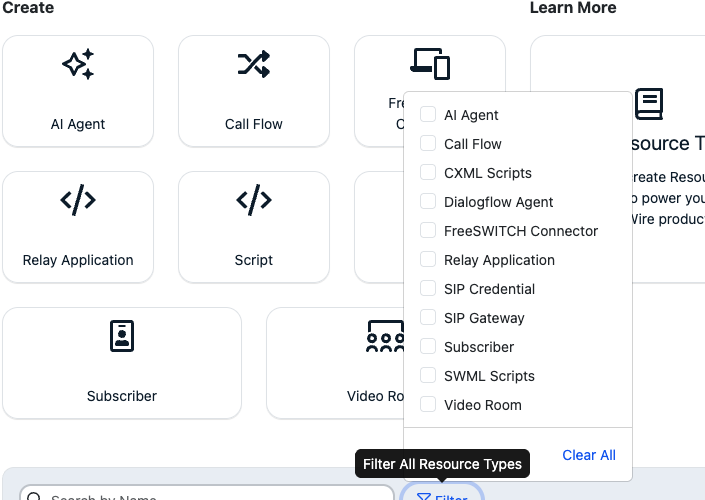
You can now test resources directly from the browser.
A new Click to Test button on the Resource detail screen lets you initiate a test call without assigning a handler or using an external phone.

Did you like this update?
![]()
![]()
![]()
Leave your name and email so that we can reply to you (both fields are optional):
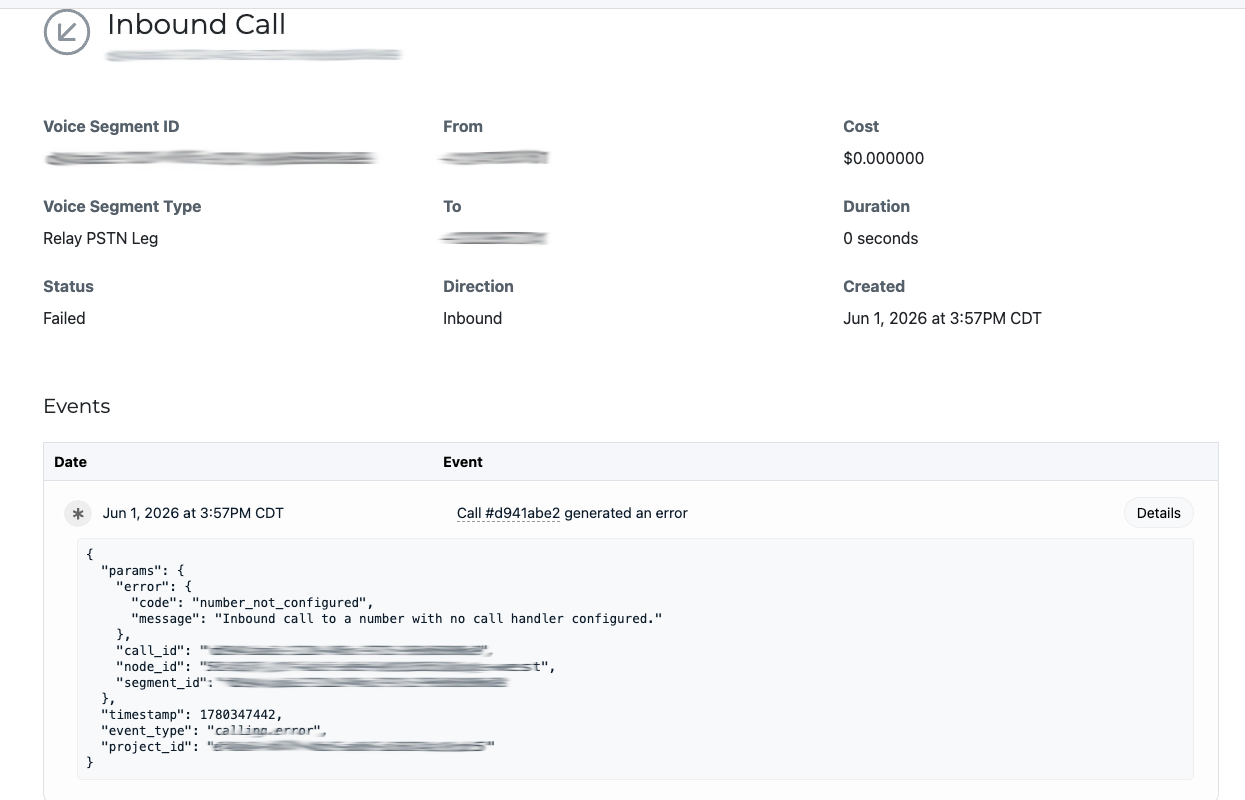
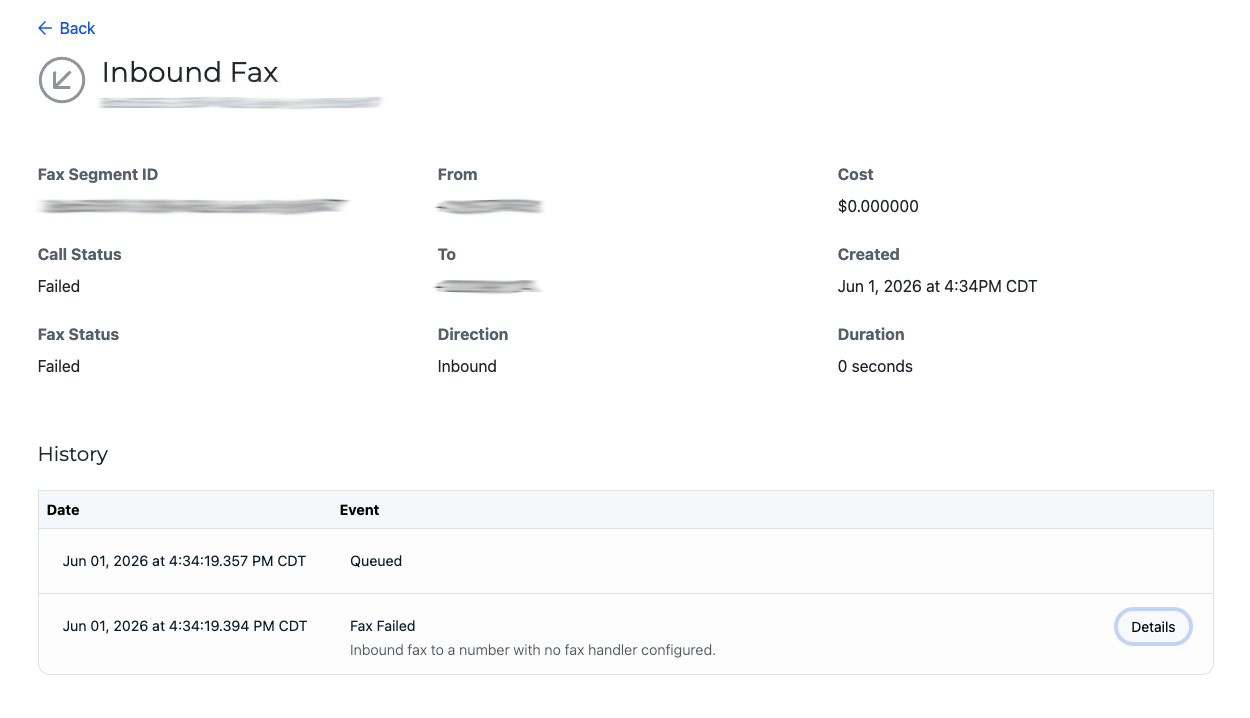
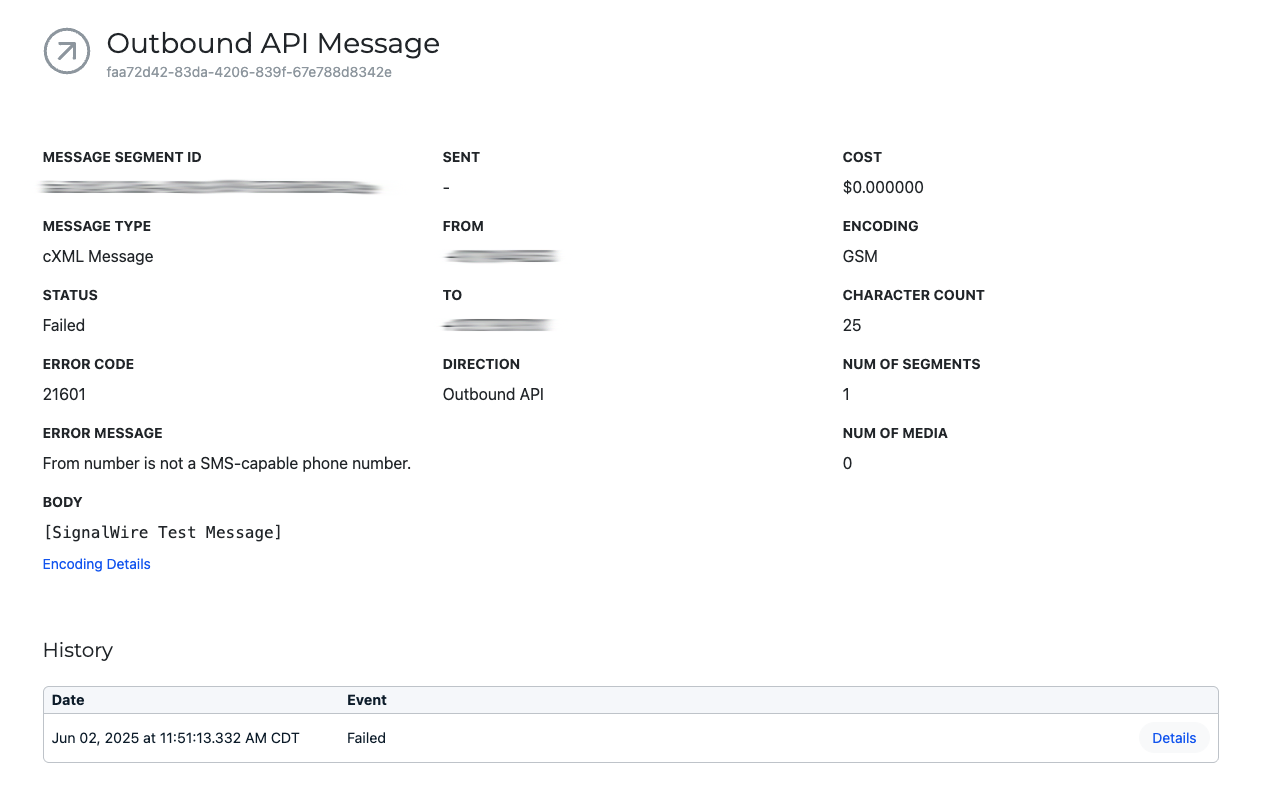
Inbound Messages Now Visible in Logs
Inbound messages sent to numbers without a handler assigned will now appear in logs.
Why it matters: Improved troubleshooting and full message visibility.
Phone Number Status Callback Update Restored
Fixed an issue preventing status callback URLs from being updated when a Relay application handler was assigned.
Why it matters: Phone number configurations now update as expected.
FriendlyName Persists via Compatibility API
The optional FriendlyName field now stores correctly when creating numbers through the Compatibility API.
Why it matters: More reliable API configuration.
Did you like this update?
![]()
![]()
![]()
Leave your name and email so that we can reply to you (both fields are optional):
New Call Quality Metrics
We’ve added Call Quality Metrics to your call details view to help you quickly understand call performance and troubleshoot audio issues. You can now review:
MOS score (overall audio quality)
Jitter (audio stability)
Packet loss & packet stats (network impact on audio)
DTMF and advanced metrics (helpful for diagnosing keypad/IVR interactions)
These metrics are available on a per-call basis so you can pinpoint what happened and share details with your team faster.

Improved SWML Script Editor
We’ve unified the code editor experience across legacy Spaces and the Call Fabric UI. There is now one editor with improved usability and validation features, including:
• Formatting improvements (multi-line rendering and cleaner defaults)
• Syntax checks for YAML/XML (basic error detection)
• Schema validation for SWML (YAML)
• Resizable editor options
• Default starter content when creating a new SWML Script (no more blank editor)

Did you like this update?
![]()
![]()
![]()
Leave your name and email so that we can reply to you (both fields are optional):
Improved Campaign Setup Guidance
We’ve improved the tooltips in the managed campaign creation flow to make setup clearer and more intuitive. Tooltips that previously referenced default values now display example values, helping you better understand what inputs are expected as you configure your campaign.
Clearer Keyword Field Examples
We’ve also updated the keyword-related tooltips in the managed campaign creation form. These tooltips now provide example keywords instead of referencing defaults, reducing confusion and making campaign setup faster and easier.

Did you like this update?
![]()
![]()
![]()
Leave your name and email so that we can reply to you (both fields are optional):
Unified Conferencing View:
All audio and video conferences are now accessible from a single location in the Dashboard. Users can navigate to Logs → Conferencing to view recent conference sessions in one consolidated list.

Enhanced Voice Log Filtering:
The/logs/voicesview now supports filtering by both minute and second, allowing for more precise log inspection and troubleshooting.

Clearer cXML Event Updates:
Event views now provide more transparent details when cXML (LaML) calls are updated via the API. These updates are visible either in the /laml-calls view or the /logs/voices view.

New Cloud Agreement
An updated SignalWire Cloud Agreement will go into place effective January 1, 2026. A user from each Space will need to accept the new agreement starting on January 1, 2026 in order to continue accessing the dashboard. Clicking “I Agree” in the dashboard or otherwise continuing to access or use SignalWire’s services constitutes agreement to the updated SignalWire Cloud Agreement.

Did you like this update?
![]()
![]()
![]()
Leave your name and email so that we can reply to you (both fields are optional):