Dashboard Updates

5/29/2026 Releases: [Highlight]

by Dani Plicka
Release Notes

Explore this week’s updates and releases! πŸ”Ž

SWML Code Editor Now Supports Messaging Scripts

The SWML code editor in the new dashboard now provides autocomplete, suggestions, and schema validation for Messaging SWML scripts, matching the support already available for Voice scripts.

The editor automatically applies the correct schema based on your script type. If your script appears to be the wrong type, the editor will flag it and offer a one-click option to switch, making it easier to catch mismatches before they cause issues in production.

This is available on the new dashboard only.

Custom SIP Headers Now Supported in REST API Call Creation

You can now pass custom SIP headers when creating outbound calls through the REST API, giving you greater control over SIP-level metadata for routing, tracing, and downstream system integration. This brings the REST API in line with the existing connect.headers support already available in SWML. Full documentation coming soon.

πŸ“– REST API Docs

View All Release Notes

Did you like this update?

LikeNeutralDislike

{error_message}

Leave your name and email so that we can reply to you (both fields are optional):

Thanks for your feedback!

5/15/2026 Releases: [Highlight]

by Dani Plicka
Release Notes

Explore this week’s updates and releases! πŸ”Ž

Introducing Inbound Messaging with SWML

You can now assign SWML Scripts and Webhooks to phone numbers to handle inbound messages, bringing the same powerful scripting control you already use for voice to messaging.

Configure routing, conditional logic, and replies directly in SWML. This goes well beyond basic auto-reply, supporting inline switching on message content, variable expansion, HTTP requests, and multi-section documents with full control flow.

To get started, navigate to Phone Numbers in the dashboard, select a number, and assign a SWML Script or Webhook under Inbound Message Settings. You can also assign handlers via the REST API.

This is available on the new dashboard and REST API. If you're on the legacy dashboard, reach out to Support or Sales to get access.

Improved Error Codes for Undelivered MMS

A previously misclassified MMS error code has been corrected. Certain MMS delivery failures that were reported as unknown_destination_handset / 30005 will now appear as mms_expired_rejected_failed_or_unsupported / 30011, more accurately reflecting the type of failure that occurred.

AI Agents Page Performance Improved

Spaces with large numbers of AI Agents sometimes experienced errors and timeouts when loading the AI Agents list. This has been resolved and the page now loads quickly regardless of how many agents are configured.

View All Release Notes

Did you like this update?

LikeNeutralDislike

{error_message}

Leave your name and email so that we can reply to you (both fields are optional):

Thanks for your feedback!

5/1/2026 Releases: [Highlight]

by Dani Plicka
Release Notes

Explore this week’s updates and releases! πŸ”Ž

REST API for Messaging Now Fully Documented

The SignalWire Messaging REST API is now fully documented and ready to use, giving you a direct, programmatic way to send messages, manage compliance, and monitor delivery all from a single API.

The documentation covers three key areas:

  • Send a Message: Create and queue outbound SMS or MMS messages. The API automatically determines message type based on the presence of media or the send_as_mms flag. Supports status callbacks, so your system can receive real-time delivery updates.

  • Redact a Message: Clear the body of a previously sent message for compliance or privacy purposes. Works on messages in terminal states (delivered, undelivered, or failed).

  • Message Status Callback: Receive a webhook payload each time a message transitions to a new delivery state. The same payload shape is used across the REST API, Relay SDK, and SWML send_sms callbacks, keeping your integration consistent regardless of how you send messages.

View All Release Notes

Did you like this update?

LikeNeutralDislike

{error_message}

Leave your name and email so that we can reply to you (both fields are optional):

Thanks for your feedback!

4/17/2026 Releases: [Highlight]

by Dani Plicka
Release Notes

Explore this week’s updates and releases! πŸ”Ž

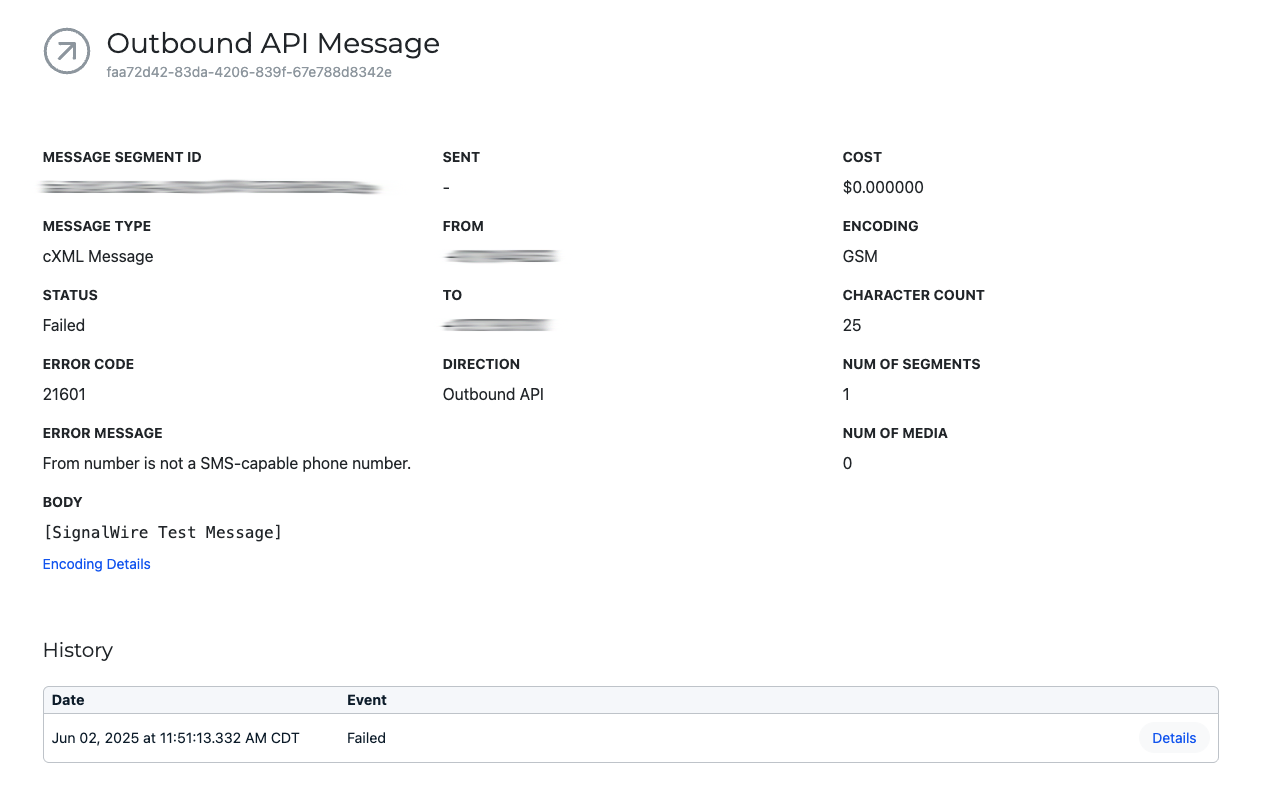
Error Details Now Visible in Message Logs

Message logs now display error codes and error messages directly in the UI, giving you full visibility into failed messages without needing to make a separate API call.

Previously, this information was only accessible via the API. Now, if either value is present, you can see it at a glance in the dashboard β€” making it faster to diagnose delivery issues without needing to make a separate API call.


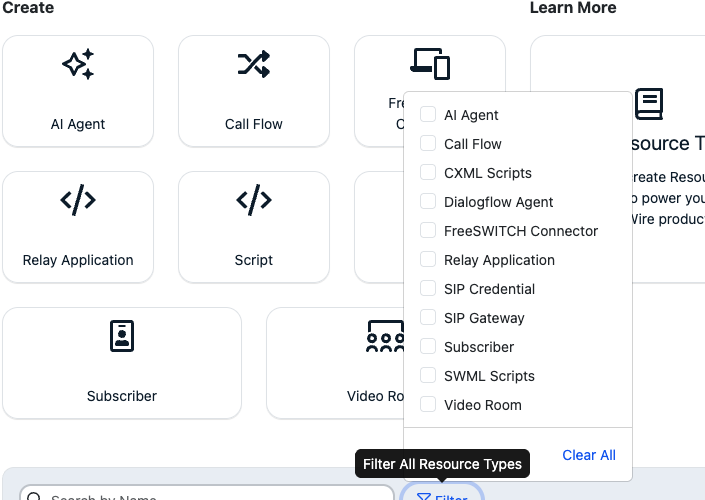
Scripts Filter Split into SWML and CXML

The Resources UI filter for Scripts has been separated into two distinct filters: SWML and CXML.

This makes it easier to find and manage your scripts by type without sorting through a combined list.


Flexible Codec Format Support for Dial Requests

You can now pass codecs as either an array of strings or a comma-separated string when making a calling/calls dial request, giving you greater flexibility in how you configure your calls.

Supported codecs include: PCMU, PCMA, OPUS, G729, G722, VP8, and H264.

πŸ“– See the full codecs parameter documentation for details.

View All Release Notes

Did you like this update?

LikeNeutralDislike

{error_message}

Leave your name and email so that we can reply to you (both fields are optional):

Thanks for your feedback!

4/3/2026 Releases: [Highlight]

by Chelsea Batschke
Release Notes

Explore this weeks updates and releases! πŸ”Ž

Hold Music URL on SIP Endpoints

Physical SIP phones can now have a set hold music URL that will be played when hold is pressed on an outbound or inbound call to that SIP endpoint.

View All Release Notes

Did you like this update?

LikeNeutralDislike

{error_message}

Leave your name and email so that we can reply to you (both fields are optional):

Thanks for your feedback!

3/20/2026 Releases: [Highlight]

by Chelsea Batschke
Release Notes

Explore this weeks updates and releases! πŸ”Ž

Conference Audience Feature Deprecation

The Conference Audience feature has been deprecated and removed as part of ongoing platform modernization efforts.

This change supports improvements to platform stability and enables new regional infrastructure.

Removal of Dashboard Info Panel

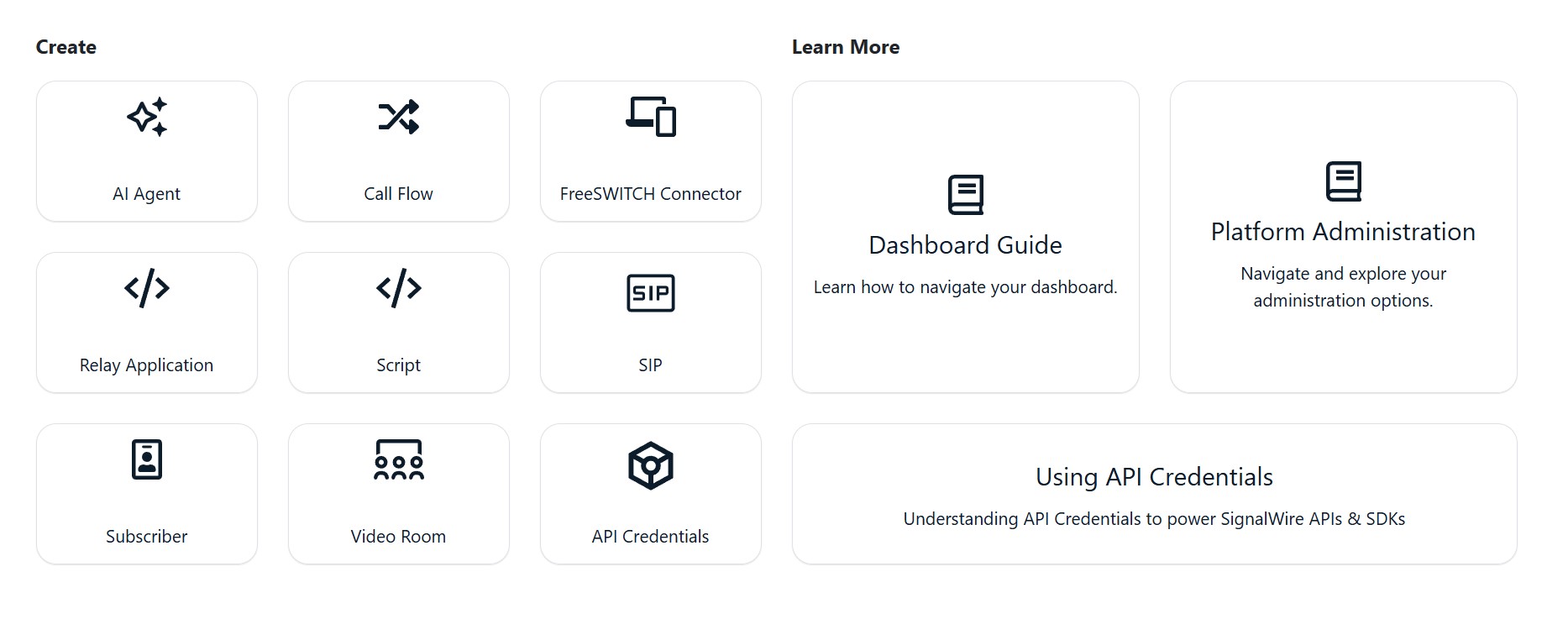
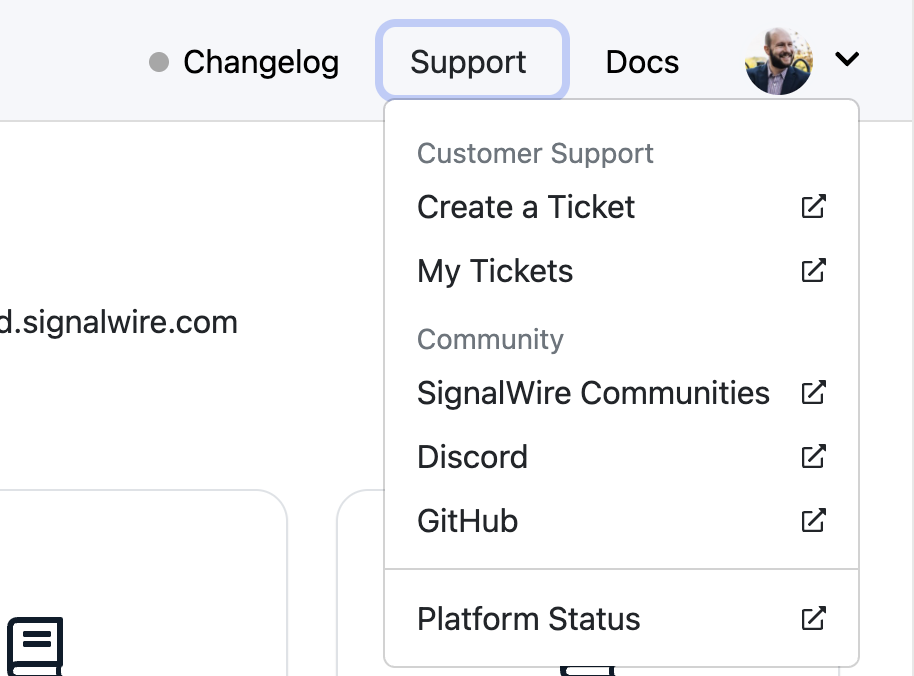
The Home Dashboard has a new look! To improve navigation, usability and access to resources the expandable info panel has been removed and you will now see a cleaner, text-based dashboard.

  • New dedicated links for Changelog, Support, Docs, and Community resources can be found in the top right menu, Including direct access to the Status page and Documentation links ( that now open in a new window for easier reference)

⚠️ Shutdown of Bahrain RTC POP

The Bahrain RTC POP will be retired on March 27, 2026.

  • Calls will automatically route to the next closest available node. No action needs to be taken at this time.

  • Any active calls on this node will continue until completion.

View All Release Notes

Did you like this update?

LikeNeutralDislike

{error_message}

Leave your name and email so that we can reply to you (both fields are optional):

Thanks for your feedback!

New Voice Analytics Dashboard πŸ“ˆ

by Chelsea Batschke
Announcements

Introducing a new Voice Analytics Dashboard, giving you a high-level view of voice call health across your project.

This new dashboard makes it easier to identify potential issues, monitor performance trends, and understand overall voice health β€” all without needing to build custom observability workflows.

Where to find the new dashboard.

The Voice Analytics Dashboard is now available. Navigate to β€œAnalytics” from the left hand menu β†’  select the submenu β€œVoice”.


We want your feedback!

Once you have had time to use the new dashboard, we would love to hear your feedback! Take the Voice Analytics Dashboard Feedback Survey.

Take the Feedback Survey

Did you like this update?

LikeNeutralDislike

{error_message}

Leave your name and email so that we can reply to you (both fields are optional):

Thanks for your feedback!

3/6/2026 Releases: [Highlight]

by Chelsea Batschke
Release Notes

Explore this weeks updates and releases! πŸ”Ž

✨ Code Editor Toolbar Improvements

The code editor toolbar has been enhanced for easier script management.
You can now
copy scripts directly from the toolbar, and read-only editors still provide access to tools like copy and resize.


πŸ§ͺ New β€œClick to Test” Button

You can now test resources directly from the browser.
A new
Click to Test button on the Resource detail screen lets you initiate a test call without assigning a handler or using an external phone.

View All Release Notes

Did you like this update?

LikeNeutralDislike

{error_message}

Leave your name and email so that we can reply to you (both fields are optional):

Thanks for your feedback!

2/20/2026 Releases: [Highlight]

by Chelsea Batschke
Release Notes

Explore this weeks updates and releases! πŸ”Ž

πŸ›  Bug Fixes

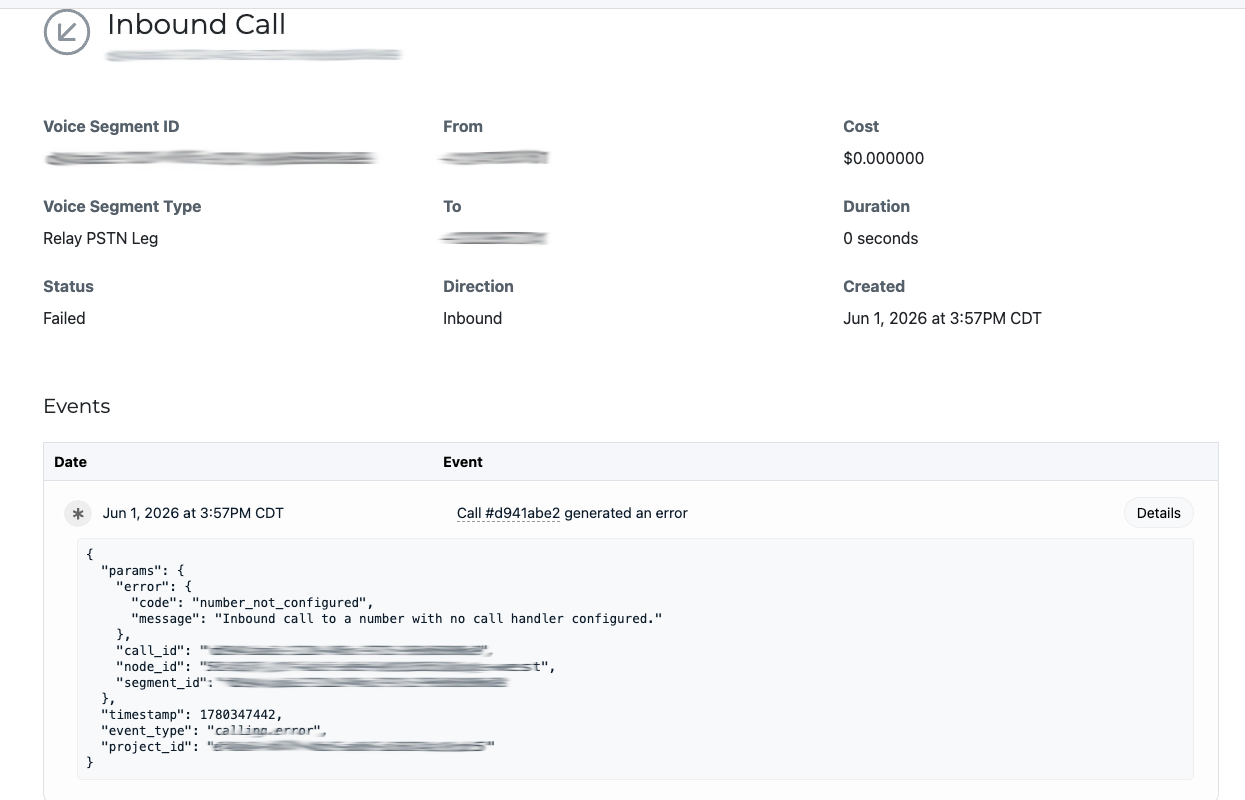
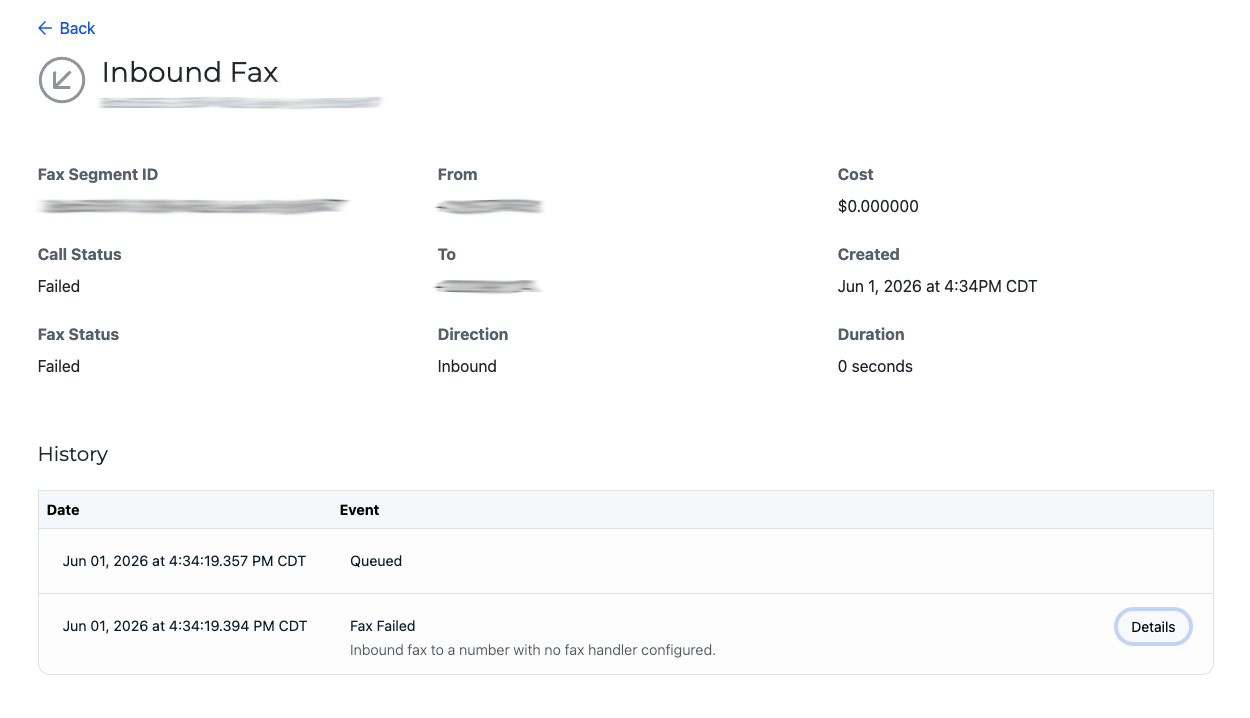
Inbound Messages Now Visible in Logs
Inbound messages sent to numbers without a handler assigned will now appear in logs.
Why it matters: Improved troubleshooting and full message visibility.

Phone Number Status Callback Update Restored
Fixed an issue preventing status callback URLs from being updated when a Relay application handler was assigned.
Why it matters: Phone number configurations now update as expected.

FriendlyName Persists via Compatibility API
The optional FriendlyName field now stores correctly when creating numbers through the Compatibility API.
Why it matters: More reliable API configuration.

View All Release Notes

Did you like this update?

LikeNeutralDislike

{error_message}

Leave your name and email so that we can reply to you (both fields are optional):

Thanks for your feedback!